Free
Free14 days
14-day free trial · once per store
- Per site: 15 images/day · 80/month
- Per device: 5/day · 20/month
- Once per store, no card required
Silk Cave is brand-customized virtual try-on, added with one tag. Shoppers try on right on the product page.
Use one product URL to see your store before and after within 60 seconds, before registering or installing.
Try fit on
 AI-generated
Powered bysilk cave
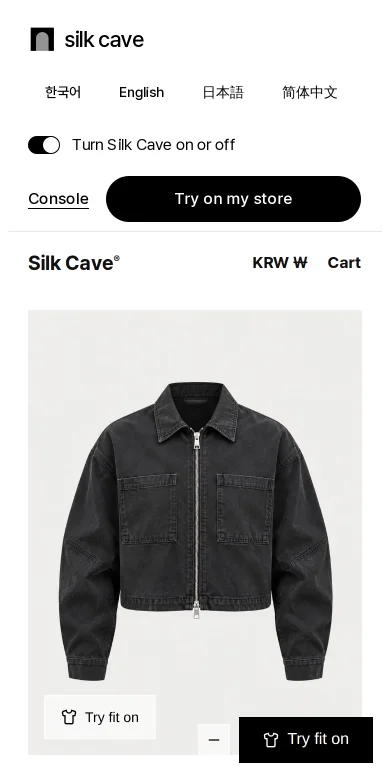
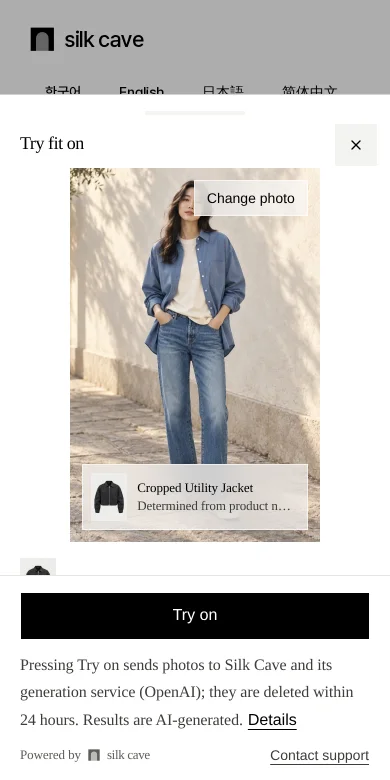

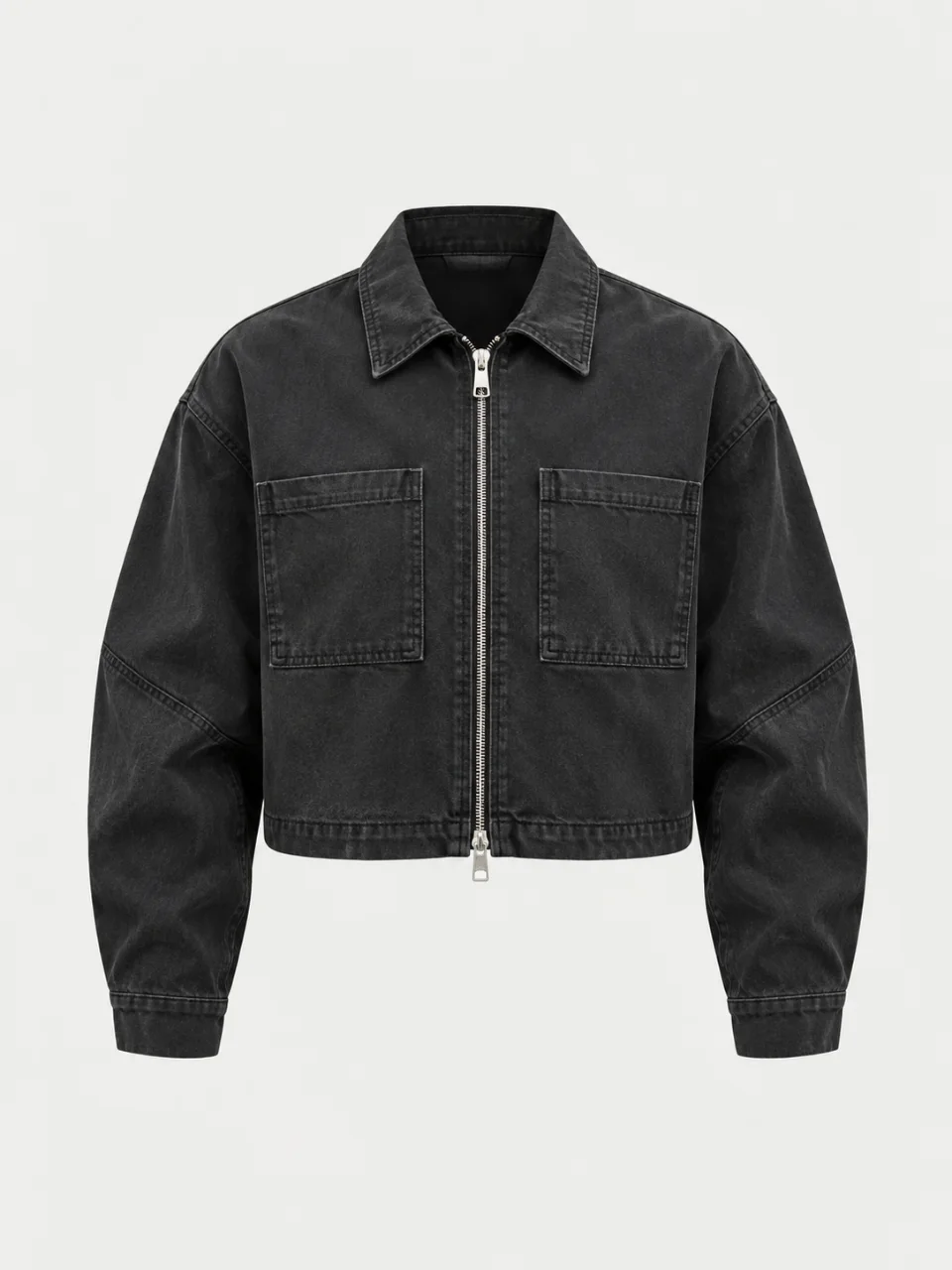
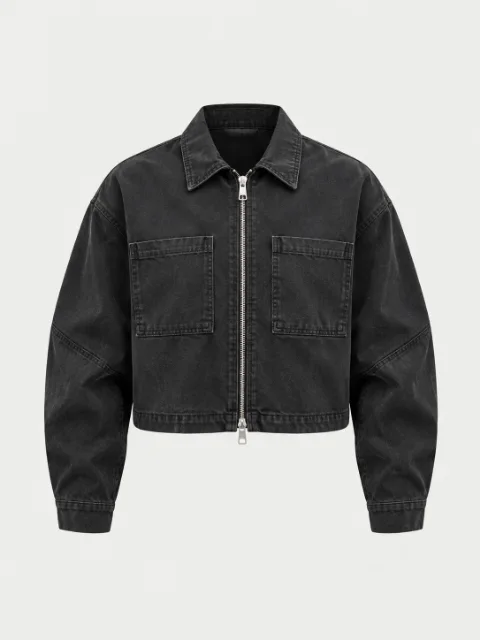 Cropped Utility JacketChanges tops only
Try changing colors and corners.
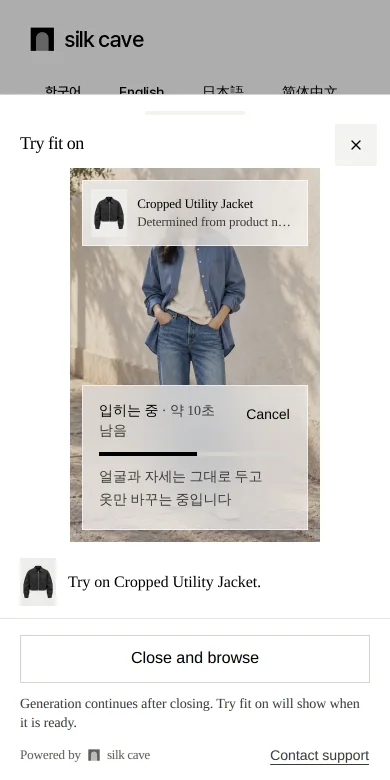
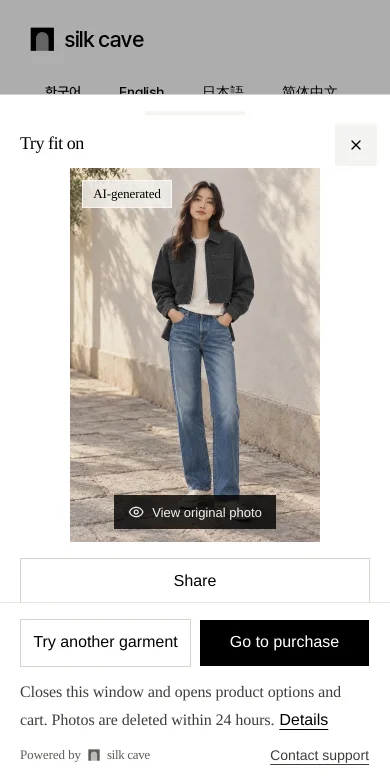
Works beyond Cafe24, without product or member data permissions.
Register with Google and enter your store's platform and domain to receive a public site key. Start Free without a card: 14 days, 15/day and 80/month per site. Starter offers 30/day and 200/month. All plans have a device limit of 5/day and 20/month.
Use Direct code input in Cafe24's SEO settings, common code insertion in Imweb, or your custom layout template. Console instructions cover each platform; no integration is needed.
Open the store once and the server finds the snippet. The overview becomes Verified, and launcher and chip appear on product pages.
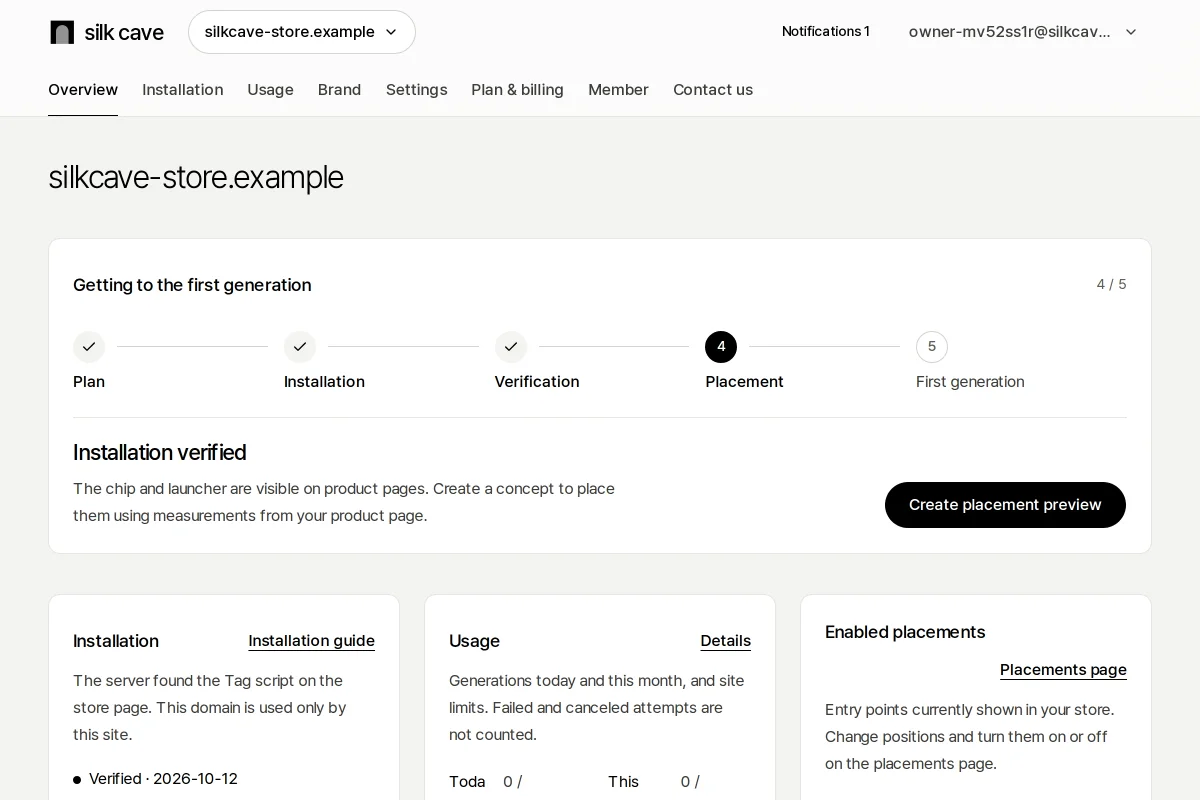
One plan per site. Usage is not pooled across sites.
Free14 days
14-day free trial · once per store
₩49,000₩30,00030 days
VAT included · currently discounted
₩89,00030 days
VAT included
₩249,00030 days
VAT included
Device limits apply to one browser on the same site and include failures and cancellations. Daily and monthly limits renew at midnight and on the first of each month in Korea time. Changing plans does not reset usage.
Free lasts 14 days; paid plans last 30 days. The monthly allowance renews on the first of each month and is not a 30-day bundle of credits. Generation may be restricted by the shared AI budget or congestion.
Enterprise · Contact us for larger volumes. Site and device limits are agreed before contracting.
Pressing Try on sends photos to Silk Cave and its generation service (OpenAI). They are deleted within 24 hours.
Leave any questions before getting started. We reply by email within 24 hours and can create a site for you on request.
Start with one tag. Turn it off with one console switch.